Free online collage maker
Pick a layout for 2 to 9 photos, drop your photos into the frames, then add text and stickers. It runs in your browser, with nothing to install.
Collages and photos stay on this device.
Finished examples
Each one is made from the same sample photo. Pick one to start from that template.
Done in 4 steps
Pick a layout
Choose by how many photos you have: grids, scrapbook collages or comic panels, for 2 to 9 photos.
Add photos
Click a photo to place it in the selected frame, or drag it in. Drag and zoom inside the frame to get the crop right.
Decorate
Write some text, add stickers, try a filter. People in your photos are cut out automatically and can step over the frame.
Save
Download a PNG, JPG or WebP, or save an animated GIF or a short video.
Questions
- Is it really free?
- Yes. Every template is free to use, and you download what you make.
- How many photos fit in one collage?
- Layouts hold 2 to 9 photos. For more, lay extra photos over the canvas and place them freely.
- Where are my photos kept?
- Collages and photos stay on this device.
- Does it work on a phone?
- Yes. Open it in your phone's browser; the panels slide up from the bottom of the screen.
More to make
 Magazine cover makerThe masthead, issue number and cover lines are all set. Add your photo and you stand in front of the masthead, as if you made the cover.
 Birthday photo templatesThe big number, balloons and streamers are all in place. Add the birthday star's photo and a wish, and the poster is done.
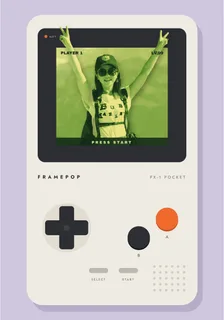 Photo breakout effectThe person in the photo reaches out over the frame. It used to take careful cutting in a photo editor; now it happens as soon as you add the photo.